

Vault / Stream 05 · Brand, Authority & Paid Traffic / Lesson 04
People judge your brand by its look before they read a single word. Make that judgment work for you.
How to build a visual identity that communicates authority, trust and professionalism — colour, typography, imagery and design systems. In the first 50 milliseconds, your visuals either earn trust or lose it. This lesson makes sure you earn it.
- 7 assets
- Audio
- E-Book
- Checklist
- Guide
- Listicle
- Mini-Course
- Prompt Pack
lifetime access
— or get the full vault —
Get the Full Vault — $124- Instant download
- 30-day guarantee
- Yours forever
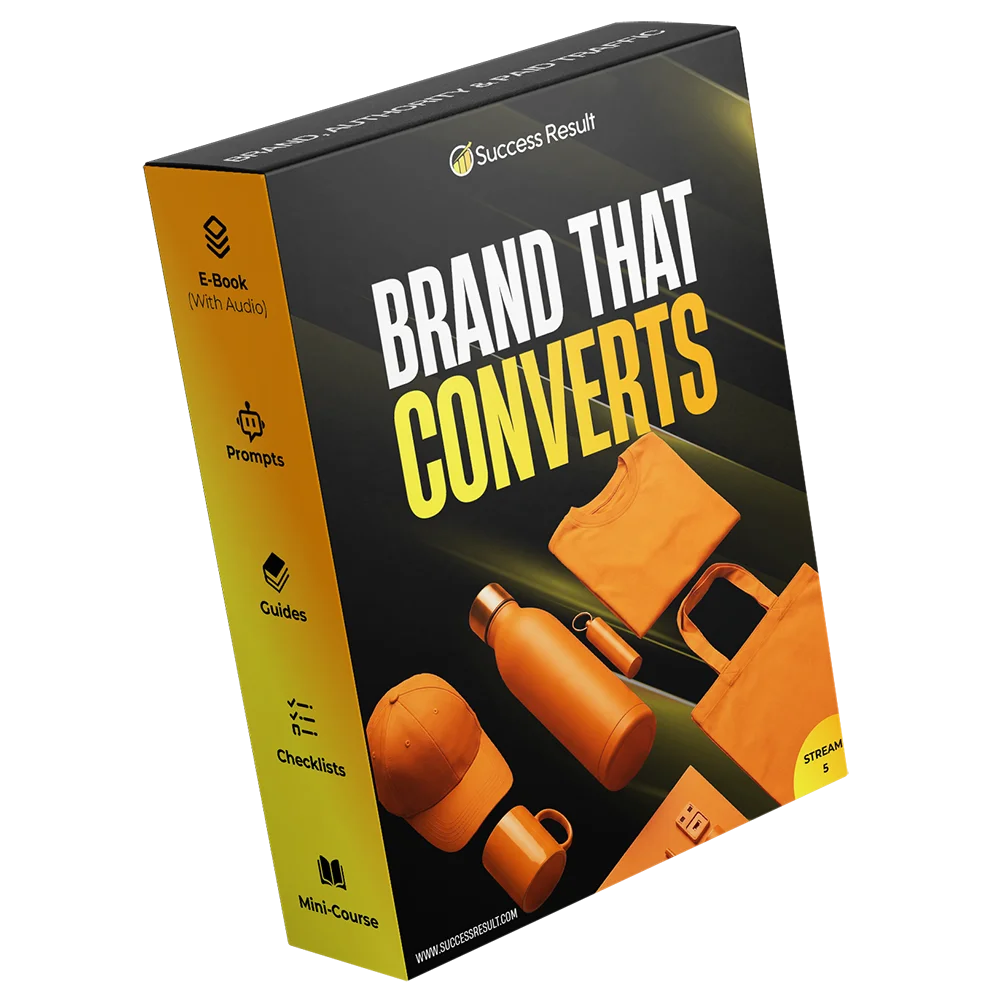
Why visuals fail
You chose colours you like. You didn't engineer a visual system that builds trust.
Most visual identity is based on personal taste, not psychological impact. Every colour, font and image either builds authority or undermines it. This lesson is the engineering manual for visual trust. Your visuals are communicating something right now. Make sure it's what you intend.
What goes wrong
- Your colours communicate the wrong message — fun when you need serious, cheap when you need premium.
- Your typography is unreadable or inconsistent — hard to read = hard to trust.
- You use generic stock imagery — it undermines your authority instantly.
- No design system or guidelines — every piece of content looks like it's from a different brand.
- Your visual hierarchy is weak — visitors can't find what matters.
- You follow trends instead of principles — your brand looks dated in six months.
What visual authority does instead
- A colour psychology framework — choose colours that communicate your exact brand attributes.
- Typography authority principles — font choices, sizes, spacing and hierarchy that build trust.
- Imagery and iconography guidelines — the types of images that project authority in your niche.
- Design system foundations — the components, rules and patterns that keep your visuals consistent.
- Visual hierarchy architecture — guide the eye to what matters first.
- Audio walk-throughs, mini-course and prompts for every stage of your visual identity build.
What you download
Seven assets that build a visual identity that commands authority.
Each asset serves one role in the visual system. Work through them in order and you'll have visuals that earn trust before anyone reads a word.
The E-BookRead first
The complete visual authority method: colour psychology, typography principles, imagery guidelines, design systems, hierarchy architecture and the psychology of visual trust.
Read once · design as you go
The GuideStep by step
The complete visual identity guide — from colour palette development and typography selection through imagery guidelines and design system creation. Every step documented with examples.
Follow as you build
The ChecklistDon't skip a step
The visual authority checklist — everything your visual identity needs to communicate trust: colour meaning, typography pairing, image quality, hierarchy clarity and consistency checks.
Run against every visual asset
The ListicleQuick reference
The top visual authority principles distilled into a quick-reference listicle — the 22 most important rules for colours, typography, imagery and layout that you can check in minutes.
Quick reference while designing
The Mini-CourseSelf-guided
A five-module mini-course that walks you through building your visual identity system — each module includes a short lesson, exercises and implementation steps.
Complete module by module
The Prompt PackReady to use
Prompts for colour palette development, typography selection, imagery guidelines, design system creation and visual hierarchy planning. Works with any AI tool.
Paste into any AI tool
The AudioListen on the go
Audio recordings of the core visual authority frameworks — listen while you work, commute or review. The complete visual identity methodology in audio format.
Listen while you implement
Inside the method
What visual authority actually covers
Eight modules that build your visual identity system from psychology to ongoing management. Follow them in order.
How visuals affect perception, trust and decision-making — the psychological principles that explain why some brands feel authoritative and others don't, before anyone reads a word.
Colour psychology, palette development, colour associations across industries, and how to choose colours that communicate the exact attributes of your brand — seriousness, innovation, warmth, luxury.
Font selection for authority, typography pairing, size and spacing systems, readability hierarchy, and the typography principles that make your content feel professional and trustworthy.
The types of images, illustrations and iconography that communicate authority in your specific niche — photography style, illustration approach, data visualisation standards and iconography rules.
How to structure every page, post and piece of content so the eye goes where you want it first — visual weight, spacing, contrast, alignment and the principles of authoritative layout.
The components and rules that keep your visuals consistent across every touchpoint — colour tokens, type scales, spacing units, component libraries and pattern documentation.
How your visual identity adapts to different media — print, digital, video, social, environmental — without losing its authority impact. The rules for each medium.
How to maintain visual authority over time — brand audits, guideline updates, team training, external partner briefings, and the governance that keeps your visuals consistently authoritative.
When you've finished
You won't hope your visuals land. You'll have engineered a system that earns trust instantly.
This lesson is designed to produce a complete visual identity system. Complete the files and you should have all six outcomes.
- A colour palette and system that communicates your brand attributes.
- A typography system with fonts, pairings and hierarchy rules.
- An imagery and iconography guideline for your niche.
- A layout and hierarchy framework for authoritative pages.
- A design system foundation with core components and rules.
- A visual identity management plan for ongoing consistency.
Honest fit check
$7 is cheap. A visual identity that commands authority isn't.
YesBuy this if
- Your visuals don't match the quality of your product — you look cheaper than you are.
- You want a systematic approach to visual identity, not random design choices.
- You need a design system that can scale — not just a logo and colour palette.
- Your brand needs to communicate authority and trust visually.
- You'll actually build the visual system and apply it, not just read about design.
NoSkip it if
- You already have a professional visual identity system that communicates authority effectively.
- You're a professional designer who can build this from your existing knowledge.
- You just need a quick logo — this is a full visual system.
- You want the full brand system, not one lesson — the Stream 05 at $24 is better value.
- You're after resale rights. Licence covers use and customisation for your own business or client work only.
Lesson 04 · complete package
Visual Authority
- The E-Book — the full visual authority method
- The Guide — visual identity walk-through
- The Checklist — visual authority checks
- The Listicle — 22 visual authority rules
- The Mini-Course — five-module self-guided programme
- The Prompt Pack — visual identity prompts
- The Audio — listen on the go
- Instant download · lifetime access · no subscription
$7
Add to cart Buy Stream 05 now— or get the full vault —
Get the Full Vault — $124Covered by the 30-day money-back guarantee. Stripe & PayPal accepted.
You're here
This lesson · 7 assets
$7
One complete lesson package. The cheapest way to judge the quality yourself.
Better value
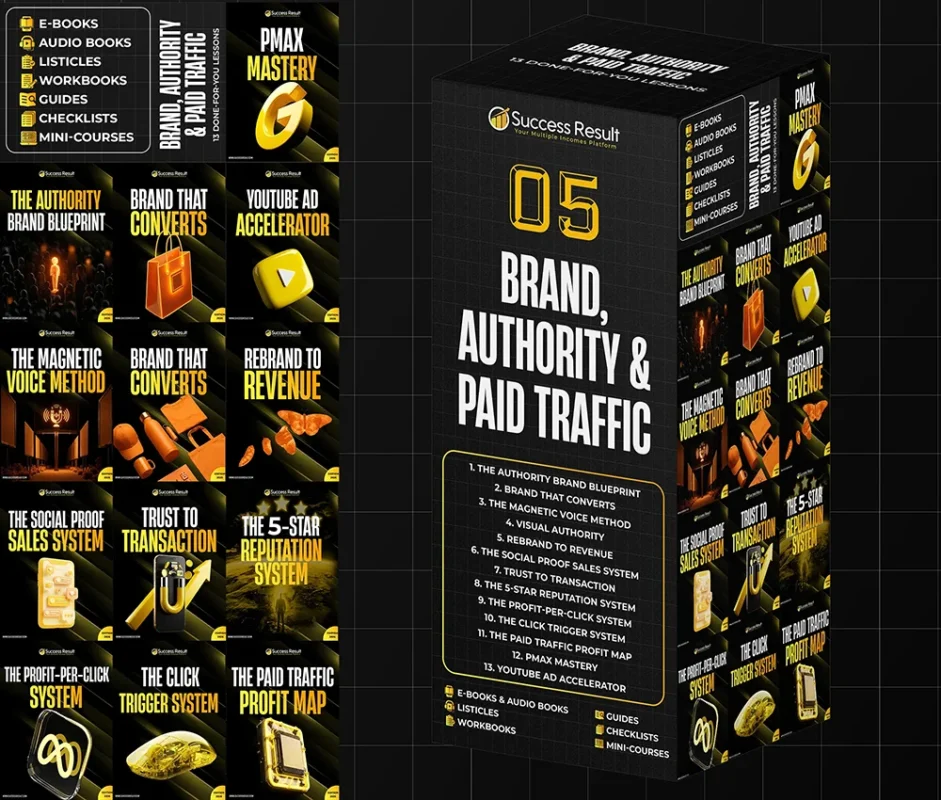
Stream 05 · 13 lessons
$24
This lesson plus twelve more, in order — brand, authority, paid traffic. Cheaper than four lessons separately.
Best value
The full Vault · 7 streams
$124
All 75 lessons, 534 assets and the Toolkit. Less than five streams bought one at a time.
Licence: use and customise this material for your own business or your client work. Resale, redistribution or cloning it as a standalone product isn't permitted. This is educational material — it makes no income guarantee, and any figures mentioned are illustrative of how the model works, not a projection of your results.
Before you buy
Quick answers
Do I need design skills to use this?
No — it guides you through choosing colours, typography and imagery with principles and examples. You'll know what to communicate to a designer, or you can implement it yourself with basic tools.
Is this just about colours and fonts?
No — it covers the full visual system: colour psychology, typography hierarchy, imagery guidelines, layout principles, design system foundations, and the management of visual identity over time.
What formats do the files come in?
Readable, printable documents plus audio files — the ebook, guide, checklist, listicle, mini-course, prompt pack and audio. Nothing needs special software.
Can I use this for client work?
Yes — you can use and customise the material for your own business or for clients. What you can't do is resell or redistribute the files themselves as a product.
Should I just buy the whole stream instead?
If you expect to want more than three lessons, yes — Stream 05 is $24 for all thirteen, and it includes the Toolkit. Start here if you'd rather see one lesson first.
How long to build the visual system?
Colour and typography selection takes 1-2 days. Design system build-out takes another 3-5 days. You can have a complete visual identity system within two weeks.
Last thing
Seven assets, one visual system, $7.
Less than lunch, and thirty days to decide it was worth it. If it isn't, you get the money back and keep the reading.
Add to cart Buy Stream 05 now— or get the full vault —
Get the Full Vault — $124More Like This
Reviews
Clear filtersThere are no reviews yet.